
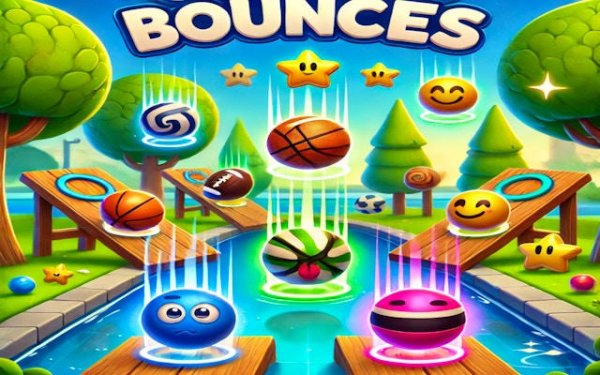
Game Introduction
Star Jump Challenge is an online arcade game that focuses on a simple yet engaging mechanic: jumping to collect stars without hitting the ceiling. Each player controls a character on a shared screen. Stars appear at various heights, and you must press and hold your jump key to charge power, then release to launch upward. Land directly on a star to collect it. Jump too weakly and you miss the star. Jump too strongly and you hit the top limiter, losing a point. This balance between power and control creates constant excitement in every round. The game is designed for quick sessions, making it perfect for short breaks or parties.
How to Play
To play, press and hold your designated jump key to charge power. Release to launch your character upward. Aim to land directly on a star to collect it. Avoid jumping into the ceiling limiter, which costs one point. The player with the highest score when time runs out or the star limit is reached wins. Practice is key to mastering the unique physics and perfecting your bouncing technique. You can play solo to sharpen your skills or join local multiplayer with up to three friends. Intelligent AI bots fill empty spots, ensuring the arena is always full of action.
Game Features
Star Jump Challenge offers dynamic multiplayer and solo play. It supports flexible player setup for up to 4 players. Intelligent AI bots fill empty spots, keeping the game active even with fewer human players. The controls are simple and intuitive, making it easy to pick up. The gameplay is skill-based, rewarding timing and precision. Rounds are fast-paced, ideal for short breaks or social gatherings.
Tips for Success
Focus on timing your jumps carefully. Practice charging the right amount of power to reach stars without hitting the ceiling. Watch the positions of other players to anticipate star locations. Use solo mode to hone your skills before competing with friends. Consistent practice will help you master the physics and improve your score.
Comments
0 comments