
Game Introduction
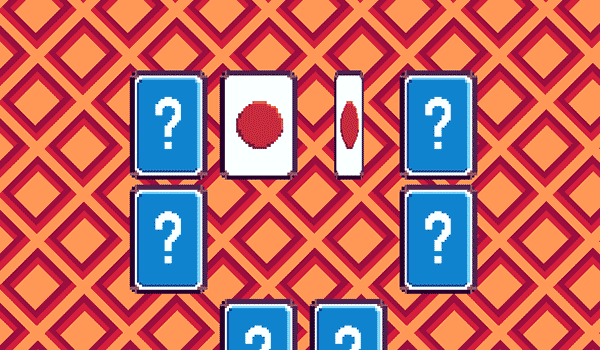
Quick Recall Symbol Match is a memory puzzle game that challenges your ability to remember and match symbols under time pressure. The core objective is to study a set of symbols displayed on the screen, memorize their positions after they are hidden, and then find matching pairs. What makes this game unique is its emphasis on speed—each round is timed, encouraging players to think quickly and recall accurately. This simple yet engaging concept makes it suitable for players of all ages who want to test and improve their short-term memory in a fun, fast-paced environment.
How to Play
To play, start a new game and carefully observe the symbols while they are visible. After a brief period, the symbols are hidden, and your task is to reveal two matching symbols by tapping or clicking on them. If the symbols match, they remain visible and you earn points. If they do not match, they flip back, and you must try again. The game continues until the timer runs out. The controls are simple and responsive, allowing you to focus entirely on the memory challenge. With practice, you can improve your speed and accuracy, achieving higher scores with each session.
Game Features
Quick Recall Symbol Match offers a clean and focused memory challenge suitable for all ages. The game features simple tap or click controls that make it easy to play. Progressive difficulty keeps the game engaging as you improve. Short rounds fit well into breaks or commutes, making it a convenient mental exercise. The game helps improve concentration and recall skills, providing a gentle challenge without overwhelming complexity.
Tips for Success
To succeed in Quick Recall Symbol Match, practice regularly to sharpen your memory and speed. Focus on studying the symbols carefully before they are hidden. Try to develop a mental map of the symbol positions. Stay calm and avoid rushing, as accuracy is just as important as speed. With each session, you can improve your performance and achieve higher scores.
Comments
0 comments