
Game Introduction
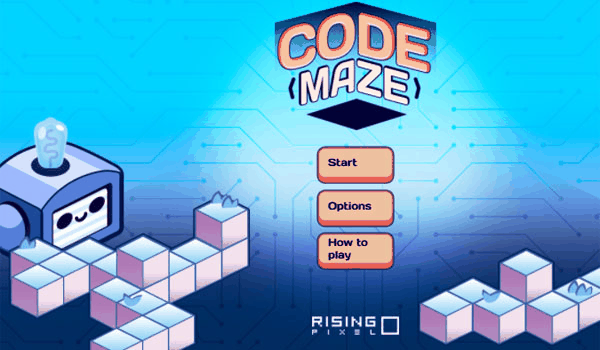
Code Maze Logic Puzzle Game is an engaging puzzle game that introduces players to the basics of coding logic through maze navigation. The core objective is to guide a character through increasingly complex mazes by arranging simple commands. No prior coding knowledge is required, making it accessible for beginners while offering depth for experienced players. With colorful graphics and intuitive controls, this game provides a safe and educational experience that develops critical thinking and pattern recognition in a fun, interactive environment.
How to Play
To play Code Maze, select a level from the main menu. Your goal is to create a sequence of commands to guide the character to the exit. Players typically drag and drop command blocks into an action area to build their code, using actions like moving forward, turning, or repeating steps. Once the code is ready, press the play button to run it. If the character reaches the exit, you win the level; if not, adjust your commands and try again. The game provides hints and feedback to help you learn from mistakes.
Game Features
Code Maze includes family-friendly content with no violence, making it suitable for all ages. It features intuitive drag-and-drop controls that require no reading or typing, so even young children can enjoy it with minimal assistance. The game encourages logical thinking and persistence in a safe, ad-free environment. Levels are designed to gradually increase in complexity, offering a rewarding challenge for players of various skill levels.
Tips for Success
Start with simpler levels to understand the basic commands and how they affect the character's movement. Pay attention to the feedback provided after each attempt, as it can help you identify errors in your code. Break down complex mazes into smaller sections and plan your path before arranging commands. Practice regularly to improve your problem-solving skills and pattern recognition. Don't be afraid to experiment with different command sequences, as trial and error is a key part of learning.
Comments
0 comments